How to Send a Fax with Computer, Email, Mobile
Sending a fax with Voiply's Online Fax service is a straightforward and hassle-free process. With Voiply, you can enjoy the convenience of an efficient and user-friendly online platform that allows you to seamlessly send faxes using your computer or mobile device. Whether you're at home, in the office, or on the go, Voiply's Online Fax service ensures that you can easily transmit important documents with just a few clicks. Say goodbye to the old-fashioned fax machine and embrace the modern and convenient way of faxing with Voiply! Please see the instructions below for a step-by-step guide on how to send a fax using the Voiply Online Fax service.
After your 3-day trial, pay only $9.99/mo!


Online Fax: Send faxes from anywhere
With our highly intuitive and user-friendly platform, you can effortlessly send faxes directly from your computer, phone, or tablet.
Say goodbye to the hassle of traditional fax machines or complicated setups. Our convenient service streamlines the entire process, saving you time and effort.
Whether you're a busy professional on the go or enjoying the comfort of your own home office, our reliable fax solution has got you covered! Experience the convenience and efficiency of our cutting-edge technology today.
Talk to an Expert at (844) 843-4175

How to Send a Fax
Sign up for a Voiply Fax account and get started with three easy and convenient ways to send a fax.
Send a Fax from your Computer
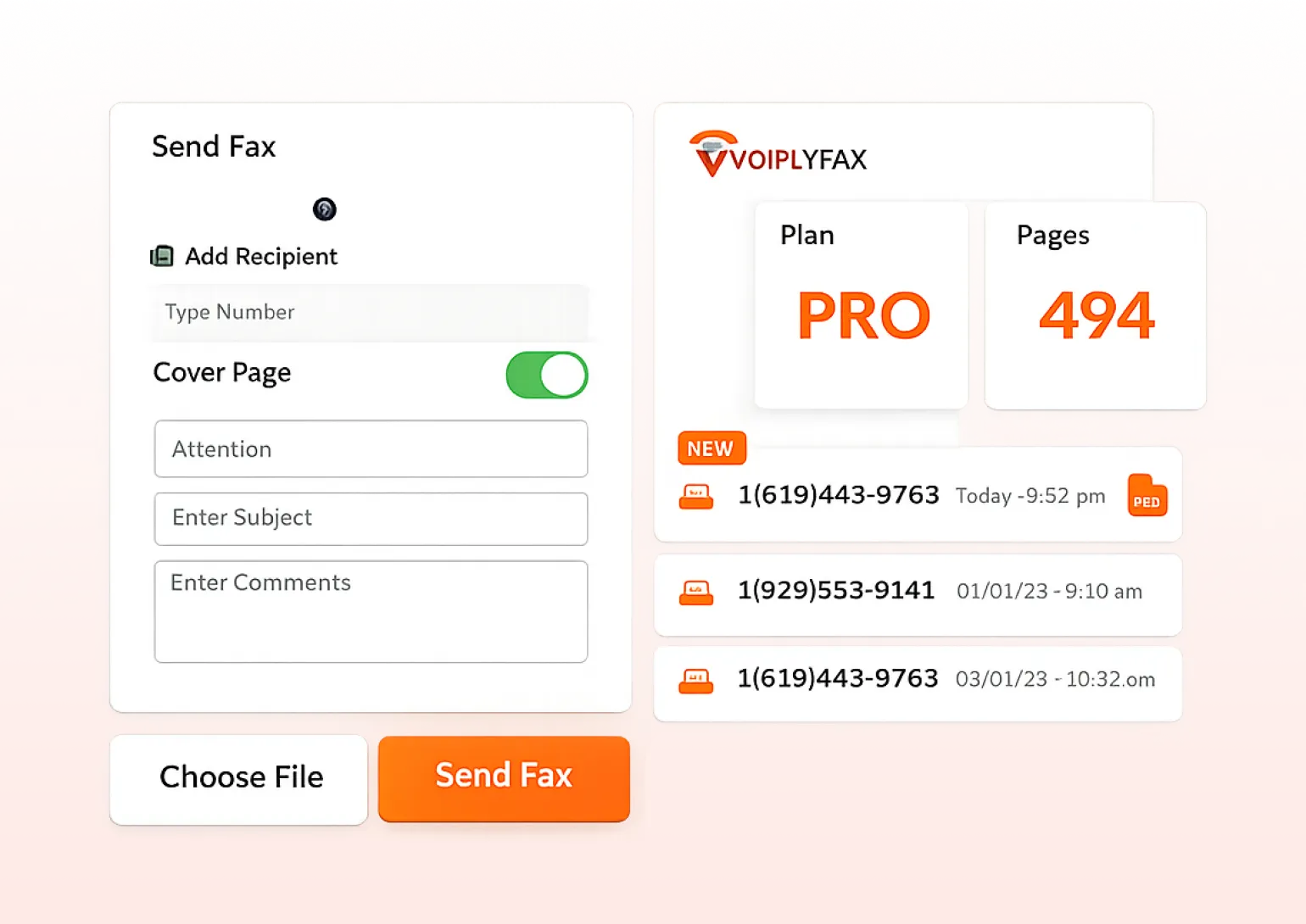
To send a fax online using Voiply, log in to your Voiply fax account by visiting the Voiply website and entering your login credentials. You will then be taken to your account dashboard where you can send a fax by clicking on the "Send Fax" button or link. Next, attach your fax document by either dragging and dropping it into the designated area or selecting it from your device. Enter the recipient's fax number, including the area code, into the designated field and preview the document to ensure that it is correct. Finally, click the "Send" button to send the fax.
Send a Fax with your Email
Sending a fax via email is a simple and convenient way to send a fax without having to use a fax machine. To send a fax, simply compose a new email and attach the document that you want to fax. In the recipient field, enter the fax number followed by the fax service's email domain. For example, if the fax number is 123-456-7890, you would enter "1234567890@faxservice.com." Then, simply hit the "send" button in your email client.

Send a Fax with your Mobile Phone
Sending a fax using the Voiply fax app is a quick and easy process. First, download and install the app on your device, then open it and log in to your Voiply account using your login credentials. From the main dashboard, tap on the "Send Fax" button or link; choose the file you want to fax, either by selecting it from your device's file manager or taking a photo of the document; enter the recipient's fax number, including the area code, into the designated field; and preview the document to ensure that it is correct. Finally, tap the "Send" button to send the fax.

How it Works
Online fax is an incredibly straightforward and convenient way of sending and receiving faxes digitally. With just a few clicks, you can effortlessly transmit important documents, contracts, or messages from your computer or smartphone to any fax machine or fax number.
By eliminating the need for physical paper and traditional fax machines, online faxing streamlines the entire process, saving you time, money, and effort. It's a modern solution that brings efficiency and ease to your faxing needs.


After Your 3 Day Trial Pay Only $9.99/mo
Online fax is an awesome service offered by VoIPly. It allows you to send and receive faxes with a dedicated number and Android/iOS app, all for just $9.99 per month.
What Real People Say About Us?
Experience why Voiply has become the top-rated home phone provider, trusted by over 50,000 satisfied customers.


Online Fax FAQs
Get answers to common questions about Online Fax
Online faxing is a modern, internet-based solution for sending and receiving faxes. It allows you to fax documents directly from your computer or smart device, eliminating the need for traditional fax machines.
Online faxing offers numerous benefits, including convenience, cost-effectiveness, and enhanced security. It allows for easy document management, eliminates the need for bulky fax machines, and reduces paper waste.
Online faxing offers numerous benefits, including convenience, cost-effectiveness, and enhanced security. It allows for easy document management, eliminates the need for bulky fax machines, and reduces paper waste.
No, all you need is an internet-connected device, like a computer or smartphone. You won't need a traditional fax machine or phone line.
Yes, we've designed our online fax service to be user-friendly. You can send and receive faxes with just a few clicks.
Yes, our service is compatible with most smartphones and tablets. You can send and receive faxes on the go.
We provide delivery confirmations for every fax you send, so you'll always know when your fax has reached its destination.
Voiply's online fax service works by converting your digital document into a format that can be sent over a fax network. When you send a fax, the document is securely transmitted to the recipient's fax number.
Yes, Voiply's online fax service is highly reliable. We use robust technologies to ensure your faxes are delivered promptly and accurately.
Absolutely! You can send a fax to any fax machine worldwide using our service.
We prioritize your security. Our online fax service uses advanced encryption technologies to protect your data.
You can fax most types of digital documents, including PDFs, Word documents, and JPEG images.
Lorem ipsum dolor sit amet, consectetur adipiscing elit, sed do eiusmod tempor incididunt ut labore et dolore magna aliqua. Ut enim ad minim veniam, quis nostrud exercitation ullamco laboris nisi ut aliquip ex ea commodo consequat.