What are softphones
Softphones are phone system software applications that allows users to make and receive calls using their computers or mobile devices. Softphones are typically used with computer headsets or speakers, but can also be used with your mobile devices' speakers and microphones. Many softphones also offer features such as call forwarding, caller ID, call waiting, call recording, auto attendant, voice and video calls, video conferencing, instant messaging, and voicemail that are usually not available on regular hard phones. Softphones can be used with a variety of VoIP services, including Skype, VoIPLy, Vonage, and Google Voice.
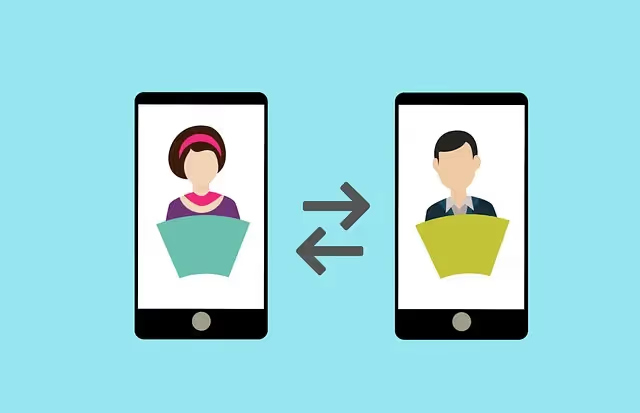
How do softphones work?
While most softphones are designed to work with a specific VoIP phone system, there are also some that are designed to work with multiple services. These types of softphones are often referred to as multi-protocol or universal softphones. Universal softphones can be used with any VoIP service that supports the Session Initiation Protocol (SIP).
The term "softphone" is a portmanteau of the words "software" and "telephone." The term was first coined in 1996 by Jeff Pulver, who is credited with inventing VoIP.
While most softphones are designed to be used with a computer, there are also mobile software apps that can be used with mobile devices such as cell phones or tablets. These types of softphones are often referred to as mobile VoIP or mVoIP. Mobile VoIP is a type of softphone app that uses a cellular data network (3G/4G/LTE) to make and receive calls, instead of using a landline or VoIP provider.
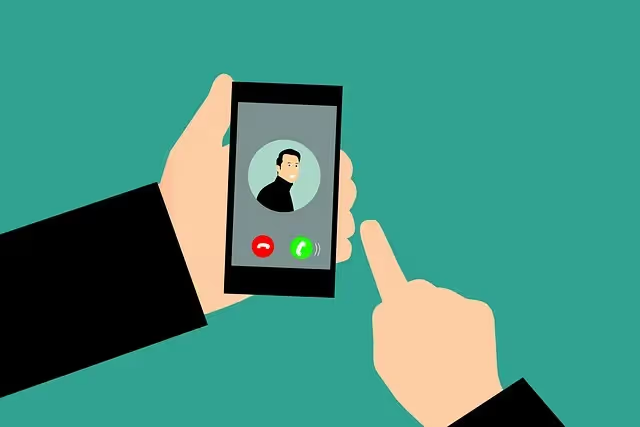
Mobile VoIP is becoming increasingly popular as more and more people are using their phones for all forms of communication, including voice and data. With mobile VoIP, users are able to make and receive calls anywhere they have a data connection. This includes places such as airports, coffee shops, and even in their homes.
While most softphones are designed to be used with a regular phone line, there are also some that can be used with an internet connection. These types of softphones are often referred to as VoIP or Voice over IP (Internet Protocol) phones. VoIP phones use the same technology as VoIP services, which allows them to make and receive calls using an internet connection.
On the other hand, VoIP phones are becoming increasingly popular as more and more people are using their desktop and laptop for all forms of communication, including voice and data. Same with mVoIP, VoIP phones, users can make and receive calls anywhere they have internet.
VoIP phones and Mobile VoIP are both often used in conjunction with a VoIP service, which allows users to make and receive calls using their internet. Some of the most popular VoIP services include Skype, VoIPLy, Vonage, Google Voice, and magicJack.
How do you use a softphone?
To use a softphone, you will need to download and install the software onto your desktop/laptop or on your mobile device. Once the software is installed, you will need to create an account and enter your phone number. After you have done this, you will be able to make and receive calls using your computer.
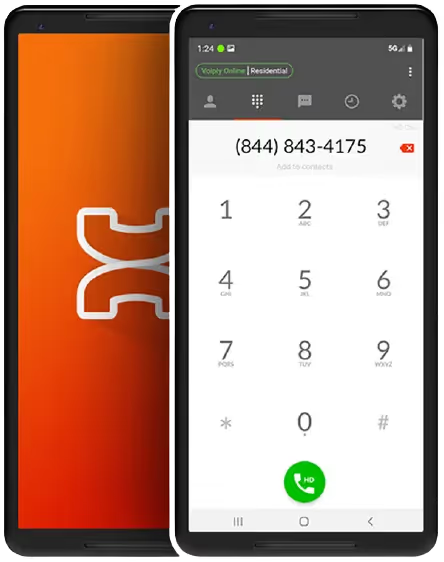
If you want to make a call, you will need to enter the phone number into the softphone software and then click on the "call" button. The telephone call will then be placed over the internet and you will be able to talk to the person you are calling just like you would using a regular phone.
If you want to receive phone calls, you will need to give people your softphone number. When someone calls you, the call will come into your softphone software and you will be able to answer it just like you would a regular phone call. To learn more about using a softphone, please contact your VoIP service provider. They will be able to provide you with more information and help you get started.
What are the benefits of using a softphone?
There are many benefits of using a softphone, including the following:
- Cost savings: Softphones can save you money because you can make calls using your internet connection instead of a regular phone line. This can be particularly beneficial if you make a lot of long distance or international calls.

- Flexibility: Softphones are very flexible because you can use them anywhere you have an internet. This includes places such as airports, coffee shops, and even in your home.
- Convenience: Softphones are very convenient because you can use them with your existing phone number. This means that you don't have to give out a new phone number to everyone you know.
- Enhanced features: Softphones often have enhanced features that may not be available with regular phones. These features can include call forwarding, call parking, call recording, video calls, instant messaging, and voicemail.
What are the disadvantages of using a softphone?
There are some disadvantages of using a softphone, including the following:
- Limited compatibility: Softphones are not compatible with all types of phones. For example, they will not work with rotary phones or pay phones.
- Technical difficulties: There can be some technical difficulties associated with using a softphone, such as echo, static, and dropped calls. However, most of these difficulties are caused by poor Internet speed. Click this link to test your Internet speed.
- Battery life: Softphones can drain your battery life of your cell phone, iOS or android device more quickly than a regular desk phone.
- Security concerns: There are some security concerns associated with using a softphone, as they can be used to make calls over the internet. This means that your calls could be intercepted by someone who is able to access your internet.
Are softphones safe?
When it comes to softphones, there is no such thing as a "one size fits all" answer. The safety of any given softphone depends on a variety of factors, including the quality of the software, the security features implemented by the developers, and the user's own level of awareness and caution.
That said, in general, softphones are no less safe than any other type of VoIP software. As long as users take basic security precautions - such as choosing strong passwords and avoiding suspicious links or attachments - they should be able to use softphones without worry. Of course, it's always a good idea to stay up-to-date on the latest security threats, and to report any suspicious activity to the software's developers.
Is there a free softphone?
Yes, there are a number of free softphones available on the market. However, not all of them offer the same features and provide quality service. Some claim to be free but have hidden fees or endless ads. In general, quality service, great customer support teams, and other added features are not free. Most reputable VoIP providers offer unlimited calls but will charge per user or per extension. On the bright side, many quality VoIP service provider are offering residential and business phone systems that cheaper than your regular analog phone (landline) service providers.

Final Words
Overall, softphones have a lot of advantages and can be a great option for people who want to save money on their phone bill or who need the flexibility of being able to use their phone anywhere they have an internet. However, there are some disadvantages to using a softphone, so you will need to weigh the pros and cons before deciding if a softphone is right for you.
MONEY BACK GUARANTEE
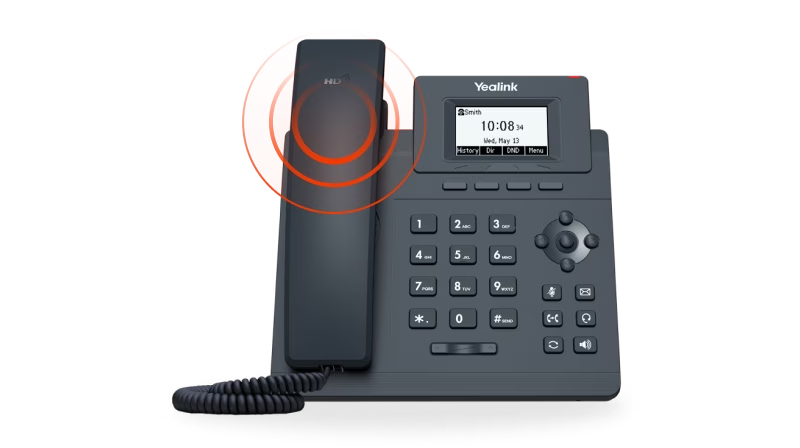

SMS to Email
Announcements
Voicemail to Email
Call Forwarding
Toll Free / Vanity Number
or call (844) 843-4175
MONEY BACK GUARANTEE
Free Desk Phone
Desktop & Mobile Apps
Local and Toll Free Numbers
Voicemail to Email
Text Messaging
Unlimited Calling
or call (844) 843-4174
MONEY BACK GUARANTEE

No Apps. No Texts. No Distractions.
No Strangers Allowed
Quiet Time Protected
Unlimited Calling
Emergency-Ready
or call (844) 843-4175
MONEY BACK GUARANTEE
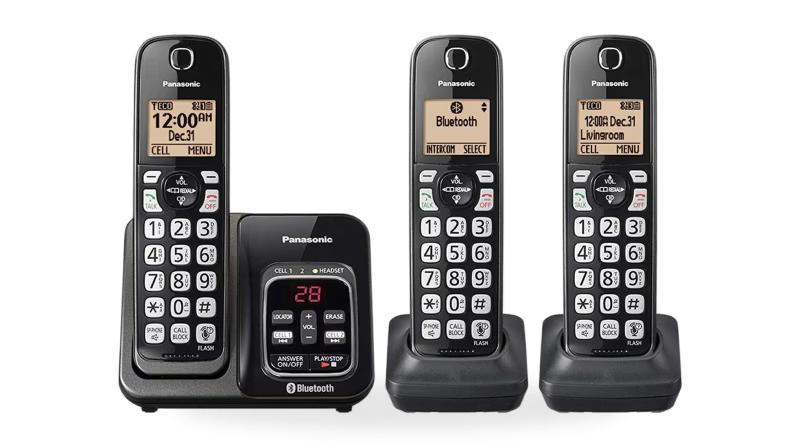
Unlimited phone service
Keep your existing number
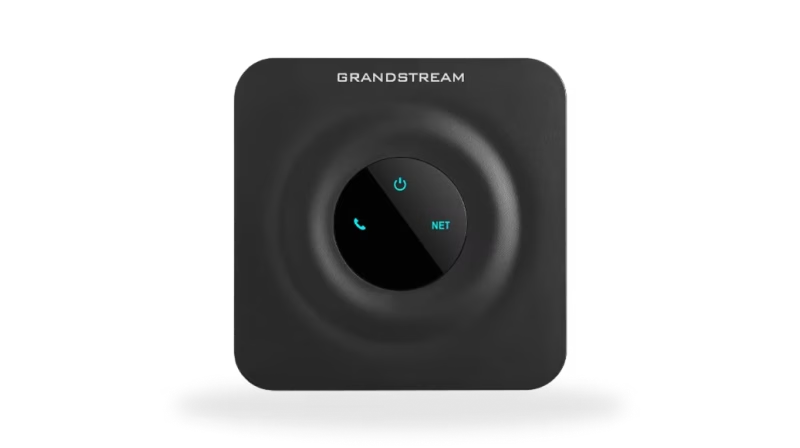
Free adapter & free shipping
No contracts/setup fees
Use existing analog phone
or call (844) 843-4175
MONEY BACK GUARANTEE


Unlimited Phone Service
Keep Your Existing Number
Free Adapter, Free Shipping
No Contracts/Setup Fees
Use Existing Analog Phone
or call (844) 843-4175
MONEY BACK GUARANTEE
Desktop and Mobile App
Email To Fax
Dedicated Fax Number
Easily Fax Documents
No Contracts/Setup Fees
or call (844) 843-4175
MONEY BACK GUARANTEE
Flexible Plans
Everywhere Connectivity
High-Speed Internet on the Go
Reliable Internet Connection
Easy Setup and Access
or call (844) 843-4175