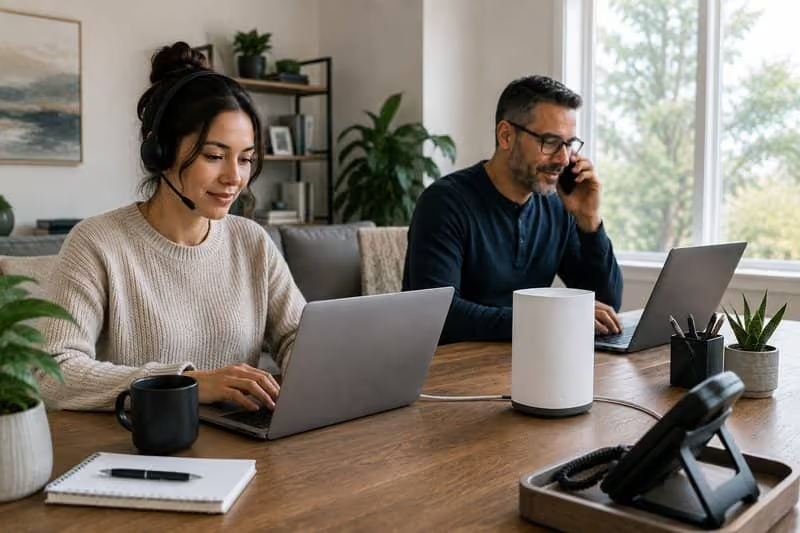
Most people plug in a new router wherever it happens to be convenient: near an outlet by the TV, on the kitchen counter, on whatever shelf has room. Then they inevitably wonder why the internet feels slower than expected, or why one part of the house always has a weaker connection than another.
With 5G home internet, router placement matters more than it does with traditional cable service. Moving the router a few feet in the right direction can make a noticeable difference in speed and reliability. The good news is that the adjustments that matter most are simpler than they might sound.
Why 5G Is Different from What You Might Be Used To
A cable modem doesn't care which way it faces or how high it sits on the shelf. The signal comes through a physical wire, so placement is mostly a matter of convenience.
5G home internet works differently. Instead of a wire, it pulls a wireless signal from a cell tower somewhere outside your home. Your router picks up that signal and turns it into the Wi-Fi your phone, tablet, and computer connect to.
That means the router has to receive a strong signal from outside before it can share it inside. Most unlimited residential 5G internet plans can deliver fast, reliable speeds, but only if the router is positioned well to pick up the incoming signal. A poor placement can significantly limit your speed, even when the service itself is strong in your area.
Think of it this way: traditional cable internet depends on what's inside the wire. 5G home internet depends on what's in the air around your router. Walls, objects, and distance from the outside all play a role. Fortunately, most of these are things you can improve with a simple change in where the router sits, and none of it requires touching any settings.
Start Near a Window or an Outer Wall
The signal that powers your 5G connection comes from outside. The closer your router is to the outside world, the better its chances of picking up a clear, strong signal.
Start by placing the router near a window or along an outer wall of your home. These spots give the signal the shortest, clearest path inside. Interior walls, especially thick ones, absorb or slow the signal before it ever reaches the router.
Not all windows perform equally. The best one typically faces toward the nearest cell tower, though you won't always know exactly where that is. A practical approach is to try a few different windows and watch the signal indicator on your router. Most routers show bars, dots, or a light that changes color based on signal strength. Try one window, note what the indicator shows, then move the router and check again.
Even moving from one side of a room to a window on the opposite wall has produced noticeably faster speeds for many users. Most routers stabilize in a new spot within a minute or two, so testing a few options doesn't take long. A little trial and error is worth the effort.
Higher Is Usually Better
Once you've found a window or outer wall with a good signal reading, consider how high off the ground the router sits.
Height helps in two ways. First, a router on a shelf, windowsill, or countertop picks up less interference from furniture, flooring, and other objects than one sitting on the floor. Second, the Wi-Fi signal your router sends out inside your home also travels better from a higher starting point, reaching more of the house and encountering fewer obstacles along the way.
You don't need to do anything extreme. Getting the router off the floor and onto any surface at roughly waist height or above is usually enough to see a difference. A high shelf near a well-positioned window is often the best combination you can find.
A router sitting on the floor because that's where the nearest outlet is can be an easy first fix. Getting it up onto a shelf, a windowsill, or even a stack of books is one of the simplest adjustments to make, and one of the most consistently effective.
What to Keep the Router Away From
Certain materials and objects make it harder for the signal to reach your router clearly. Thick walls made of brick, concrete, or stone slow or block the signal more than standard drywall does. Older homes with denser interior walls can present more of a challenge than newer construction. Avoid placing the router on the inside of a thick wall that faces away from the outside.
Large metal objects, including refrigerators, microwaves, washing machines, and metal shelving, can reflect and disrupt the signal around them. You don't need to rearrange your whole house, but do try to move routers away from large appliances.
Enclosed spaces cause problems, too. If you tuck a router inside a cabinet, behind the television, or in a closet, it now has to work against walls on every side. Even a cabinet with an open front reduces signal strength. Routers work best with open space around them.
Generally, the more open and outside-facing the spot, the better the router will perform.
Balance Signal Strength with Wi-Fi Coverage
The best spot for receiving a strong 5G signal isn't always the center of your home, which is typically the best location for spreading Wi-Fi evenly to every room. These two goals can sometimes pull in different directions.
Keep in mind that external signal quality comes first. A router that can't pick up a strong signal won't deliver fast internet, no matter where it sits indoors. Start with signal strength, then adjust for coverage.
For most homes, a window or outer wall with a good signal is close enough to the center of the house that indoor coverage isn't a major issue. For larger homes, or homes where the best signal window is at one end of the building, a small Wi-Fi extender can help push coverage into the rooms the router doesn't reach as well on its own.
Once you've found a good spot, try small adjustments. Raise the router a few inches. Angle it slightly differently. Run a speed test before and after each change and compare the results. Small moves can produce real improvements, and the only way to know is to try.
A Small Change Can Make a Real Difference
Router placement isn't something most people think about after the first setup. With 5G home internet, though, it's one of the easiest ways to get more out of the service you're already paying for, whether you're streaming or running a residential VoIP phone service. And fortunately, it doesn't require any technical knowledge to get it right.
A spot near a window, up off the floor, and away from thick walls and large appliances gives your router the best environment to work in. From there, your connection handles the rest.
MONEY BACK GUARANTEE
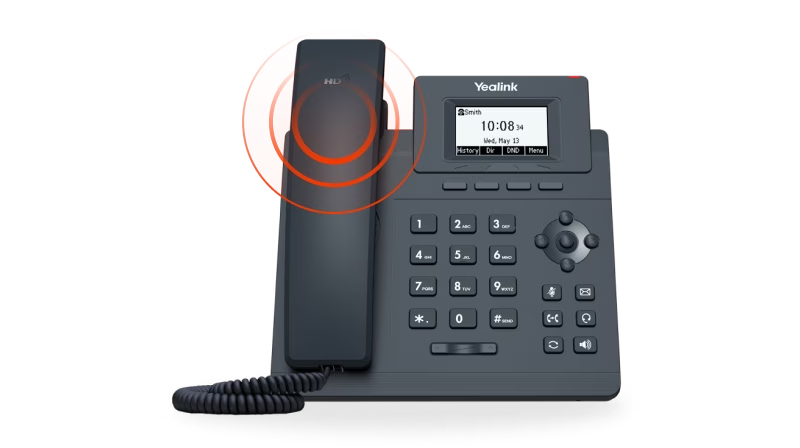

SMS to Email
Announcements
Voicemail to Email
Call Forwarding
Toll Free / Vanity Number
or call (844) 843-4175
MONEY BACK GUARANTEE
Free Desk Phone
Desktop & Mobile Apps
Local and Toll Free Numbers
Voicemail to Email
Text Messaging
Unlimited Calling
or call (844) 843-4174
MONEY BACK GUARANTEE

No Apps. No Texts. No Distractions.
No Strangers Allowed
Quiet Time Protected
Unlimited Calling
Emergency-Ready
or call (844) 843-4175
MONEY BACK GUARANTEE
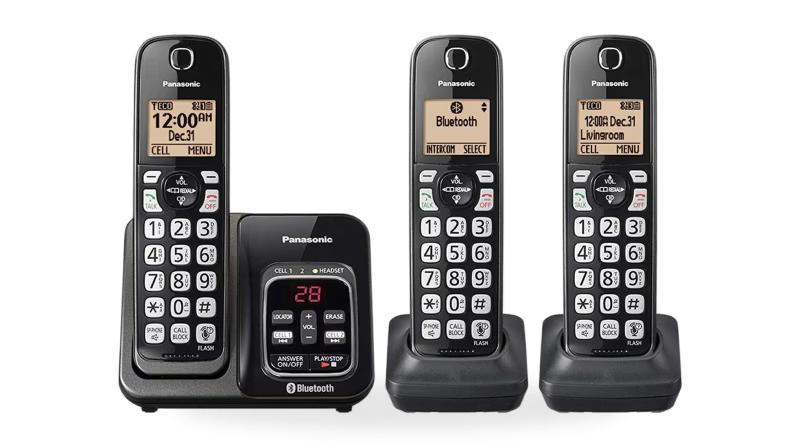
Unlimited phone service
Keep your existing number
Free adapter & free shipping
No contracts/setup fees
Use existing analog phone
or call (844) 843-4175
MONEY BACK GUARANTEE


Unlimited Phone Service
Keep Your Existing Number
Free Adapter, Free Shipping
No Contracts/Setup Fees
Use Existing Analog Phone
or call (844) 843-4175
MONEY BACK GUARANTEE
Desktop and Mobile App
Email To Fax
Dedicated Fax Number
Easily Fax Documents
No Contracts/Setup Fees
or call (844) 843-4175
MONEY BACK GUARANTEE
Flexible Plans
Everywhere Connectivity
High-Speed Internet on the Go
Reliable Internet Connection
Easy Setup and Access
or call (844) 843-4175